How do I download already purchased items?
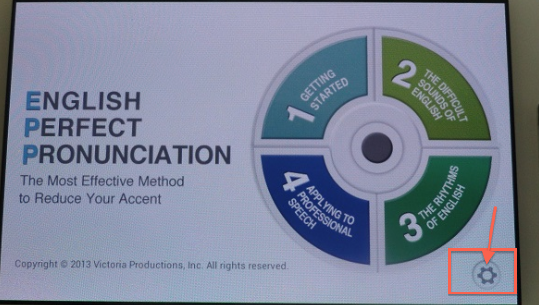
To download already purchased items, tap on the ‘gear’ icon on the main page of the app
1) Locate the ‘gears’ icon and tap on it.
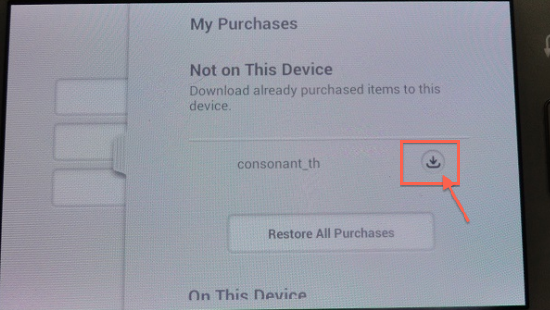
2) Then, tap on the download icon (arrow down).
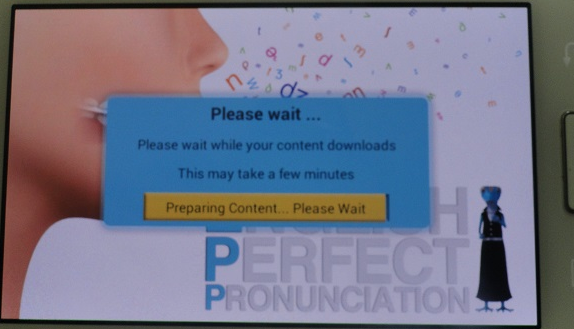
3) Wait until the download and preparation process is completed.
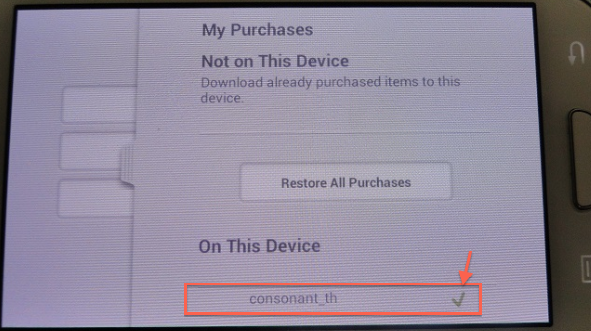
4) Once the download process has been completed, you will see package(s) under the ‘On This Device’ section.